How to maintain 10+ projects with agentic development
 Tõnis4 min read
Introduction
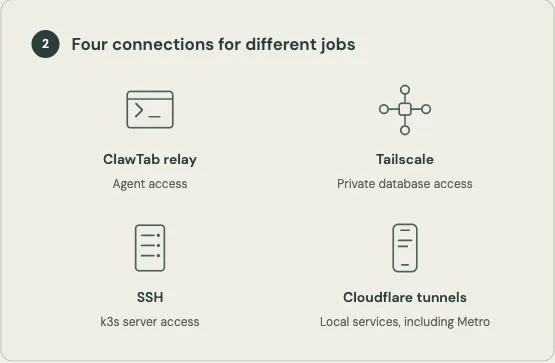
My setup connects agent sessions, development machines, hosted services, and scheduled content jobs. ClawTab's relay gives me access to agent work, with separate connections for databases, server administration, and local development services. A dedicated root server supplies capacity for products running in k3s, and also runs a ClawTab node. Scheduled content work runs through ClawTab jobs on my local machine, where my work context and bmux browser are available.
The useful part is how these pieces work together. Agent execution has somewhere to live, services have somewhere to run, and recurring work has a schedule. I can use the same infrastructure across projects instead of treating each product as a separate collection of disconnected tools.
Different connections serve different jobs
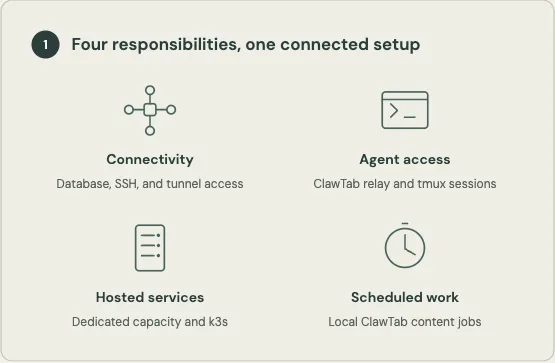
ClawTab connects to agents through its own relay. I use Tailscale for private database access and a separate SSH connection for the k3s server.
I also use Cloudflare tunnels through cloudflared to give local services DNS names I can reach remotely. For example, I can access a local Metro development server from my phone while working away from the computer. I cover these paths in How I connect agents, databases, and local builds from anywhere.
This makes the setup usable across more than one computer. If one node fails, I can pick up jobs from another node. Resuming on another node still means recovering the task's context and restarting any interrupted work.
Agent sessions persist independently of the desktop interface
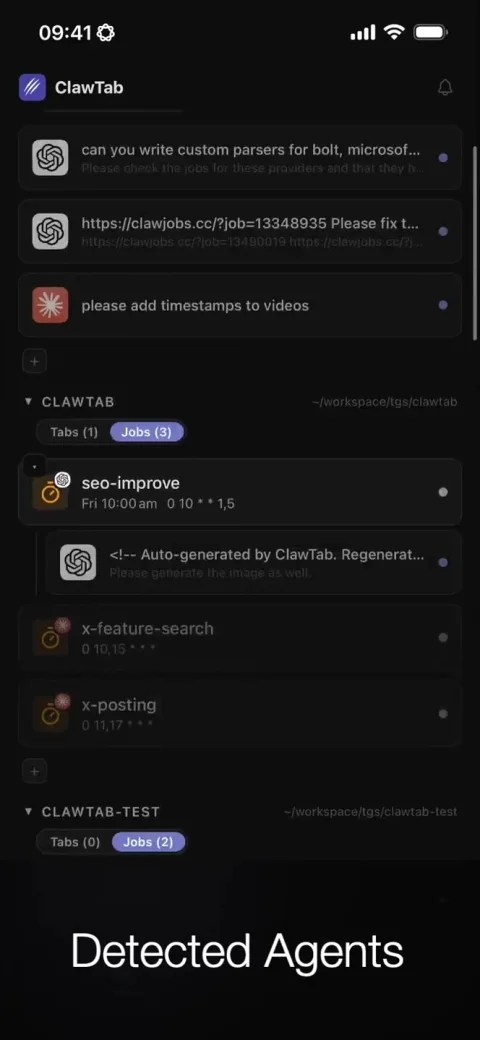
Agents run in tmux sessions. A session provides a place for the running commands, output, and interaction with the agent. ClawTab's daemon architecture separates that terminal work from the desktop interface. The ClawTab architecture article explains this separation; the screenshot shows how the sessions appear in the desktop app.
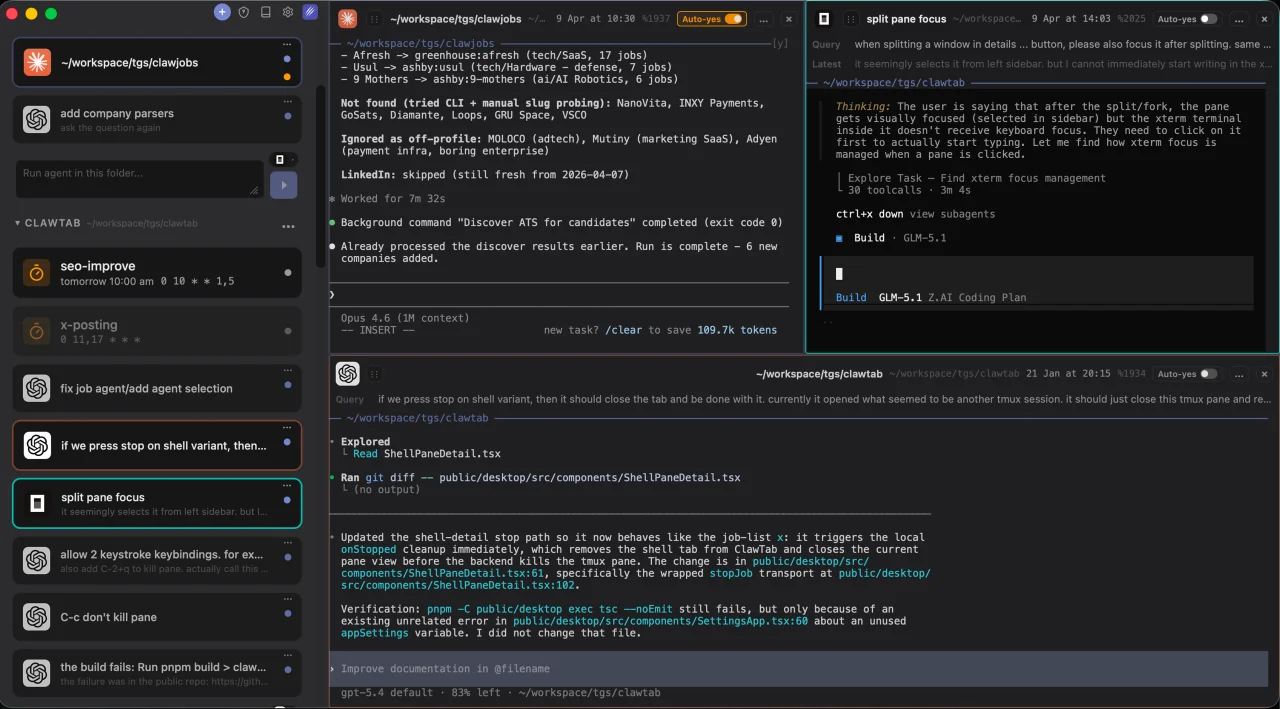
The distinction matters when several projects have work in progress. Switching the interface I am looking at does not require replacing the underlying terminal session. The session still depends on its process and host, but it is not tied to one graphical window remaining open.
ClawTab Remote adds another way to access the work. I can follow prompts and respond to agents from my phone while execution stays on the machine running the session.
Worktrees and browser access give each task an execution environment
For code changes, I use separate Git worktrees. Each change has its own checkout, so agents working on different changes do not all edit the same working directory. This separates files; it does not by itself isolate shared databases, ports, or external services.
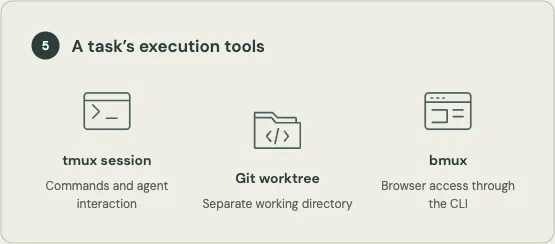
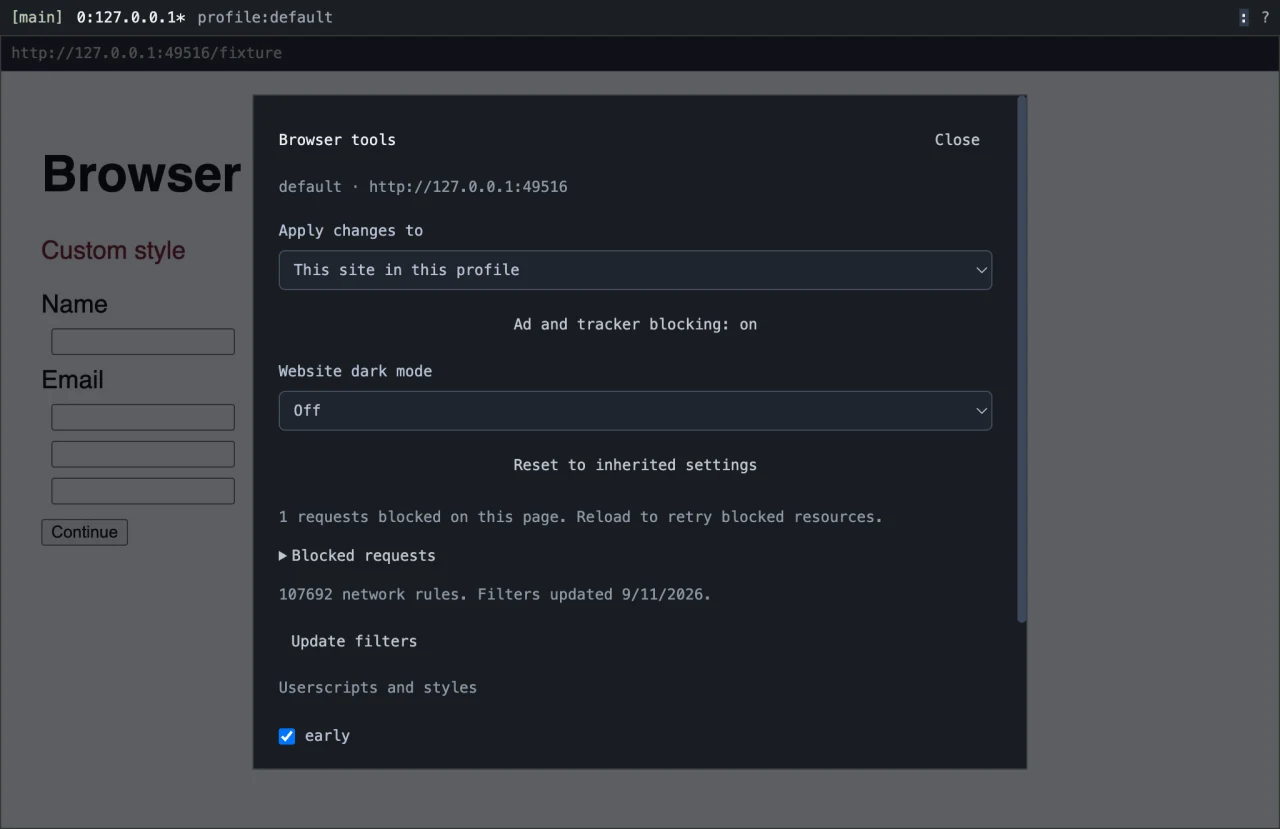
Browser access is another part of the environment. bmux exposes browser interaction through its CLI, giving agents access to rendered pages as well as source files. The screenshot shows the browser environment. A terminal session, a separate checkout, and browser access give the agent distinct tools for doing and inspecting work.
Shared server capacity hosts products and an agent node
I use a Hetzner AX51-NVMe dedicated root server. It used to cost me roughly $45 a month, and the price has since increased. My hosted services run in k3s, and I have added a ClawTab node on that server too. Kubernetes keeps the workloads separate, so available capacity can support agent work alongside the products.
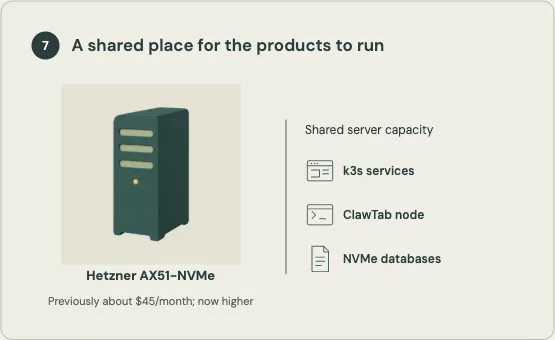
Hetzner lists AX51-NVMe configurations with an AMD Ryzen 7 3700X or Ryzen 9 3900, 64 GB ECC RAM, and two 1,024 GB NVMe SSDs. The rental combines compute, NVMe storage for my databases, and network connectivity. Hetzner hardware reference I run and maintain the databases on that storage myself. Hetzner’s standard dedicated-server connection includes a 1 Gbit/s uplink and unlimited traffic; its optional 10 Gbit/s uplink has different traffic terms. Hetzner traffic documentation
ClawTab jobs run content work where the context is
I schedule product content creation and updates through ClawTab jobs on my local machine. That machine has more of the information and tools these jobs need than the remote services do: my local work context and the bmux browser, for example. The placement follows what the job needs access to.
ClawTab starts each content job on the local machine, where it can use that context and browser. The hosted application keeps serving users on the server while the job prepares its update.
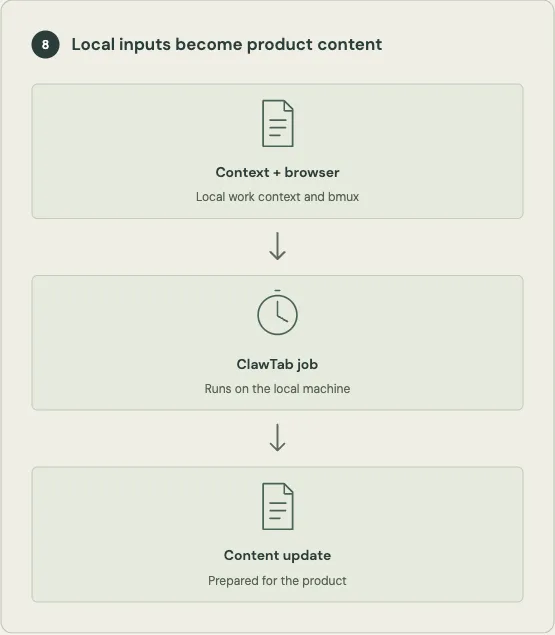
For example, a content job can use local context and browser access to prepare an update for a product while that product’s service runs remotely. This explains why I use both local and server nodes: remote capacity is useful for workloads that fit there, while a context-dependent job belongs on the machine that has its inputs and tools.
The reusable unit is the connected setup
Across projects, I reuse connection paths, ClawTab’s agent and job interfaces, execution tools, and server capacity. A ClawTab node can share the Hetzner server with k3s-hosted products. Scheduled content work runs locally because that is where the work context and bmux browser are available.
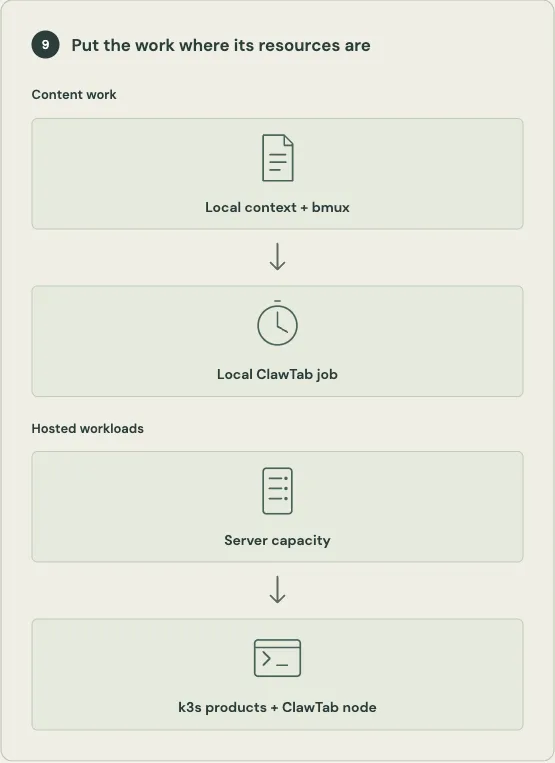
Maintaining multiple products means combining the capacity and context available across these machines. The server supplies compute, database storage, and connectivity for hosted workloads and its agent node. Local ClawTab jobs can use information and browser access that the remote services do not have. The connected setup lets me put each workload where its resources are available and reach it through the appropriate interface.